Start with the script
If the words are already approved, divide them into short lines and mark pauses, emphasis, names, and pronunciation notes before opening the voice maker.
This guide explains how to make ai voice over videos free by moving from a clear script to a usable narration track and a finished video. Use a voice maker for the audio, then assemble the visual edit in the video tool you already prefer.
Follow a focused walkthrough for turning written copy into a voice track with a voice maker.
Compare the basic text-to-audio workflow before you place narration inside a video timeline.
Plan narration around scenes, pacing, and the practical needs of short-form or long-form video.
Shape a repeatable narration process for explainers, tutorials, reviews, and other YouTube formats.
Choose the path that matches your starting material. The right voice maker workflow is usually determined by whether your script is ready or your idea still needs structure.
If the words are already approved, divide them into short lines and mark pauses, emphasis, names, and pronunciation notes before opening the voice maker.
If you only have an idea, outline the video first, write a spoken draft, then test a small section in the voice maker before producing the full track.
Place the generated audio under the visuals, align scene changes with the narration, and listen once for meaning and once for distracting timing issues.
This route is best when the narration already has a purpose, audience, and approximate duration. Keep the voice maker focused on delivery rather than asking it to solve the structure at the same time.
Ready script
Split the approved copy into natural spoken paragraphs.
Idea or rough notes
Write a short beginning, middle, and ending before generating audio.
Ready script
Choose a tone that fits the subject and intended viewer.
Idea or rough notes
Use the first sample to discover which delivery suits the idea.
Ready script
Fix pacing, pronunciation, and pauses in the voice maker.
Idea or rough notes
Clarify the message before fine-tuning delivery.
Ready script
Match each paragraph to a scene, image, or screen recording.
Idea or rough notes
List the visuals needed for each point in the outline.
Ready script
Generate one representative paragraph before the full narration.
Idea or rough notes
Generate only the opening section until the concept feels clear.
Ready script
A polished recording can still feel slow if the script is too dense.
Idea or rough notes
Unclear notes can produce narration that sounds generic or unfocused.
Ready script
Export or transfer the reviewed audio into the video editor.
Idea or rough notes
Revise the draft, then return to the voice maker for a cleaner take.
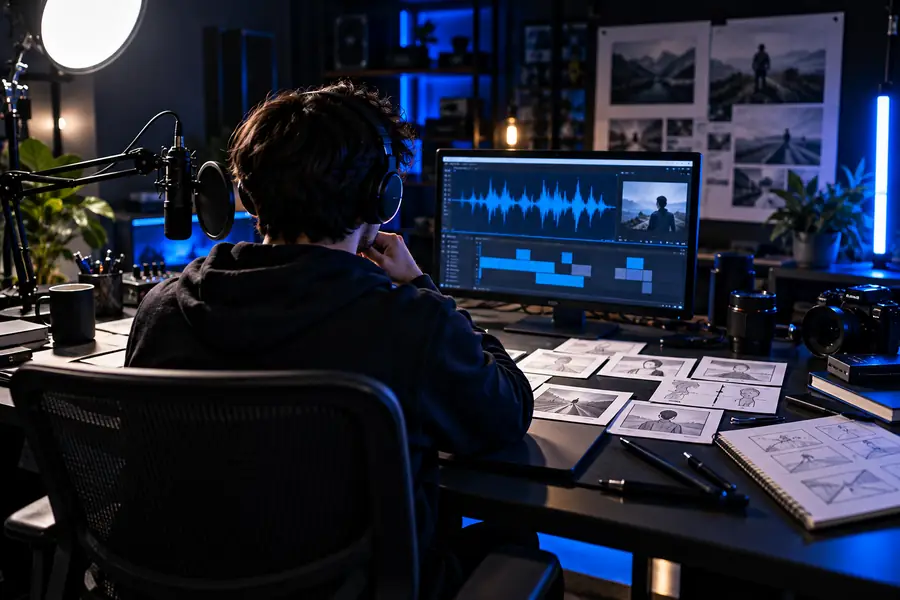
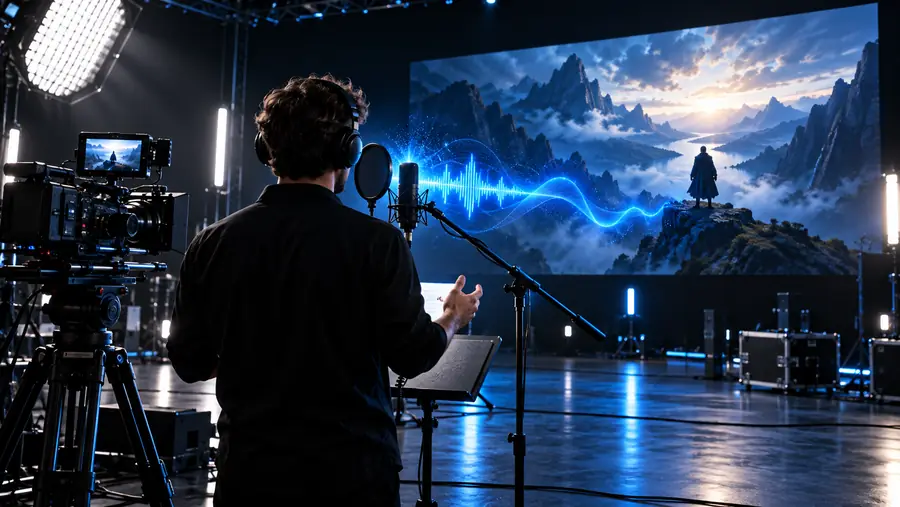
The transformation is clearer when the script, delivery, and visuals are reviewed as one sequence.
A voice maker can produce a clear track, but a clear track is not automatically a finished video. Use these concrete checks before sharing the result.
Start with a short section instead of producing the entire video at once. Write or paste the narration, test the delivery in the voice maker, then place the reviewed audio beside the visuals and make one deliberate timing pass. The goal is a useful voice track that supports the message, not audio added after the edit is already finished.
These answers cover the practical questions that usually come up when planning an AI-narrated video with a voice maker.
Paste the script into a voice maker, divide it into manageable sections, and create a short test before generating the complete narration. Then place the reviewed audio under your video clips and adjust scene timing around the spoken phrases.
Yes, a voice maker can create the narration from written text instead of a microphone recording. You should still review pronunciation, emphasis, and the overall tone so the result fits the subject and audience.
Prepare the main message, intended viewer, approximate duration, and a simple scene outline. Mark words that need special pronunciation and add pauses where the visual needs time to change.
Choose the length based on the video rather than forcing a fixed word count. Read the script aloud or test a short section in the voice maker, then remove repeated ideas and leave room for natural pauses.
Use shorter sentences, varied punctuation, and paragraph breaks that reflect the way people speak. Generate a sample, listen for rushed phrases or flat emphasis, revise the text, and compare the narration with the visual rhythm before finalizing.
Check that the narration matches the current script, names and numbers are pronounced correctly, and every scene supports what is being said. Also listen for abrupt cuts, excessive silence, distracting music, and audio levels that make the voice hard to understand.