DJs and producers
You need a station ID, producer drop, or transition cue that lands between tracks.
Write the name, mood, and timing cue together so the generated take has a clear performance brief.
voice maker for djCreator audio tools
A voice tag generator free workflow helps DJs, streamers, and video creators turn a short identity line into a polished audio cue. Start with the words, choose a fitting delivery, and review the result before bringing it into your editor.

Explore voice formats
Different creator formats need different delivery choices. These related tools help you move from a simple script to a voice style that fits the project.
Turn written copy into a spoken draft for intros, labels, and short announcements.
Shape a playful tag for animation, gaming content, or a lighthearted channel identity.
Try a darker, heavier direction when your tag needs dramatic impact.
Build a memorable persona voice for recurring shows, skits, and fictional hosts.
Explore an expressive style for edits, fan projects, and energetic creator branding.
Use cases
A strong tag is short, recognizable, and easy to place. Match the wording and delivery to the software or channel where your audience will hear it.
You need a station ID, producer drop, or transition cue that lands between tracks.
Write the name, mood, and timing cue together so the generated take has a clear performance brief.
voice maker for djYour opening needs a spoken identity line before the main footage begins.
Keep the phrase compact, leave space around it, and test the tag against your intro mix.
voice maker for videoYou want a repeatable channel signature without recording the same line for every upload.
Use consistent wording and delivery notes so each episode starts with a familiar sound.
voice maker youtubeA character, faction, or fictional station needs a recognizable spoken mark.
Describe the personality first, then refine pronunciation and intensity in the next take.
character voice generatorA quick reel or short needs a punchy audio stamp that does not overpower the content.
Use fewer words, a clean ending, and enough silence for the visual cut to breathe.
open the voice workspaceHow it works
The workflow is simple: define the identity, generate a take, and inspect the audio before placing it in a project.
Name the channel, show, DJ, or character and state the intended mood. Short copy gives the delivery room to sound deliberate.
Add useful direction such as confident, warm, dramatic, whispered, or radio-style. Avoid stacking too many conflicting moods.
Listen for pronunciation, pauses, volume balance, and a clean ending. Keep the version that remains clear over music or effects.
Format check
The generator creates the spoken starting point; your audio editor remains the place for timing, layering, and final mix decisions.
Generated voice tag
Create the spoken identity cue
Edited project version
Place and balance the cue in a full production
Generated voice tag
Short script plus delivery direction
Edited project version
Voice file plus music, effects, and timeline edits
Generated voice tag
Use concise wording and intentional pauses
Edited project version
Trim, move, fade, and align against the cut
Generated voice tag
Focus on the voice performance
Edited project version
Add room tone, effects, compression, or music
Generated voice tag
Drafting names, drops, intros, and tags
Edited project version
Finishing videos, mixes, streams, and episodes
Generated voice tag
Check words, pronunciation, and tone
Edited project version
Check loudness, masking, transitions, and export settings
Before and after
The difference is not just the words. A useful tag also has a defined attitude, a clean ending, and enough space to sit inside the surrounding mix.
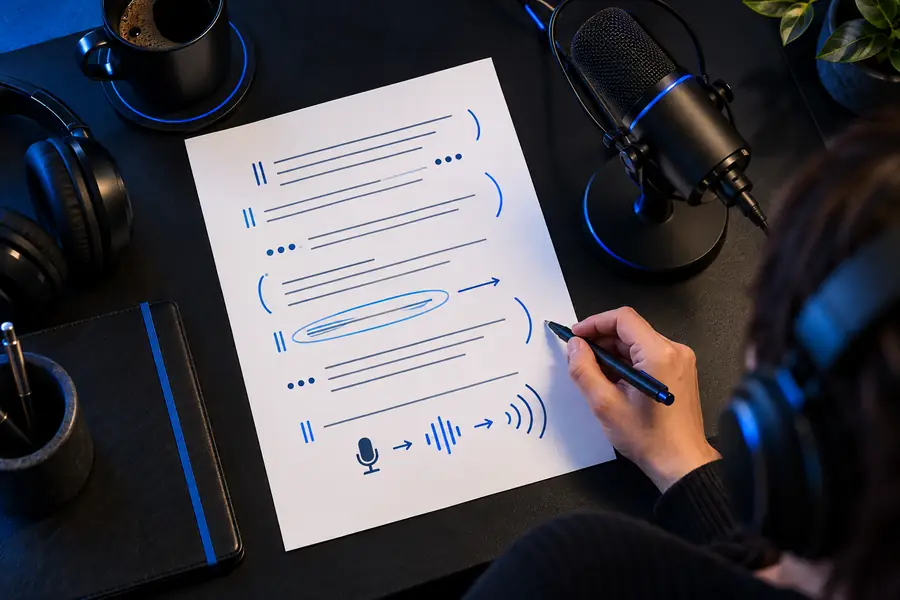
Add music and effects only after the spoken line is clear.
Know the limits
A generated take still needs a careful handoff. These are the problems most likely to appear when a tag moves into an editor or publishing workflow.
A clear voice cue can still sound too loud, too quiet, or buried beside music.
WorkaroundLower the music while checking the voice, then make a final balance pass in your editor.
Names, abbreviations, and invented words can be read differently than you expect.
WorkaroundRewrite the spelling phonetically or add a short pronunciation note before generating again.
Too many words leave no room for pauses, transitions, or the visual opening.
WorkaroundRemove filler words and keep the identity phrase at the center of the cue.
Sample rate, channel layout, and file handling can differ between software tools.
WorkaroundUse the format your project expects and audition the imported file before export.
Ready for a signature sound
Write one memorable line, describe the delivery you want, and use the result as a starting point for your next intro, drop, or video edit. The best tag is easy to recognize and easy to place.
FAQ
Answers to practical questions about creating, checking, and importing a spoken creator tag.
Use the name of your channel, DJ identity, show, or character and keep the sentence brief. Add a delivery direction such as confident, energetic, cinematic, or calm so the performance has a clear purpose.
Yes. A short spoken identity line can work as a DJ drop, channel intro, podcast marker, stream cue, or video opener. Write the exact name you want heard and check how it sits over the music or opening visuals.
Try spelling the name phonetically or adding a pronunciation hint in the direction. Generate another take and listen specifically for the name before spending time on effects or editing.
The generated voice may be clear on its own but still sit too high beside music or sound effects. Lower the clip, compare it with the surrounding mix, and use your editor’s normal level and fade controls.
Keep only the words needed to identify the creator, show, or brand. If the line feels rushed, remove filler rather than forcing a faster delivery, then leave a little space for the edit around it.