Write the cue
Draft the exact words for a station ID, show opener, transition, event mention, or short promo. Keep the script focused on one listening moment.
DJ voice workflow
A voice maker for dj work can turn a short script into a focused station ID, show opener, transition, or event announcement. Start with the wording, then refine the delivery for the moment it needs to land.

A practical voice maker belongs inside the same sequence you use for planning, mixing, checking, and exporting audio. It supports the creative handoff without replacing your judgment.
Draft the exact words for a station ID, show opener, transition, event mention, or short promo. Keep the script focused on one listening moment.
Use the voice maker to explore a delivery that matches the energy of your set, then review emphasis, pacing, pronunciation, and the space around key words.
Bring the selected voice line into your normal DJ workflow, balance it against music and effects, and keep the final timing aligned with the cue it introduces.
The useful slot is between a finished idea and the audio arrangement: create a clear voice asset first, then make the final musical and timing decisions in your usual setup.
Use a character-focused voice maker when your set or promo needs a recognizable persona rather than a neutral announcer.
A voice maker for video helps turn the same short scripts into narration, intros, and spoken overlays for visual content.
A voice maker youtube workflow is useful for channel intros, recurring segment IDs, and spoken calls that frame a mix or upload.
The difference is not only a different voice. A usable DJ asset has a defined purpose, a controlled length, and wording that survives the transition from page to playback.
Loose script
General announcement with no fixed moment
DJ-ready voice asset
Station ID, show opener, transition, or event cue
Loose script
Several ideas competing in one sentence
DJ-ready voice asset
One message with a clear opening and ending
Loose script
Tone is implied but not tested
DJ-ready voice asset
Energy and emphasis are reviewed against the set
Loose script
Length is unknown until playback
DJ-ready voice asset
Short enough to place around a planned cue
Loose script
Names and locations may be left to chance
DJ-ready voice asset
Important words are checked before export
Loose script
Voice is considered separately from music
DJ-ready voice asset
The line is auditioned with the surrounding transition
A voice maker can help create the spoken material, but a DJ-ready result still depends on the brief and the final mix. These boundaries keep expectations useful.
The generated line does not know where your drop, breakdown, or transition should happen in a live or recorded set.
WorkaroundMark the intended cue in your session before you audition the voice.
A clear voice can still compete with a bass-heavy intro, effects sweep, or crowded music arrangement.
WorkaroundCheck the voice against the actual music bed and adjust level, EQ, and space in your normal setup.
Artist names, venues, cities, and invented stage names may need pronunciation review.
WorkaroundSpell out difficult words in the prompt and listen closely before using the asset.
The tool can follow a described mood, but only you know whether the line fits your station, show, or audience.
WorkaroundDefine the audience, energy, wording, and forbidden phrases in the brief.
A short DJ line becomes more useful when the wording, delivery, and intended placement are visible before you open the session.
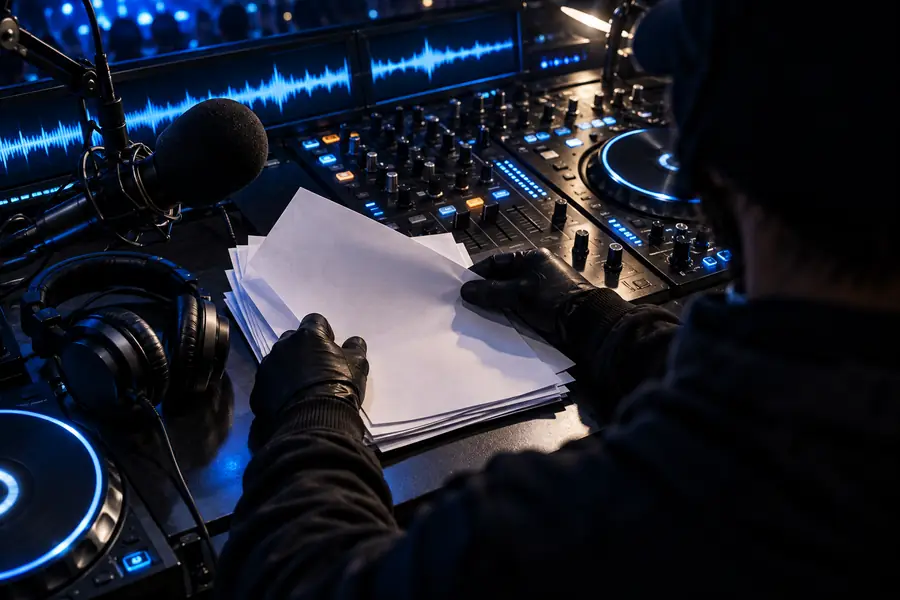

Review the line with its music bed before final use.
Bring a concrete cue to Voice Maker: a station ID, show opener, transition line, or event announcement. A focused prompt gives you a stronger starting point, while your own ears and mix decisions determine the final result.
You can prepare station IDs, show intros, transition lines, event announcements, and short promotional cues. The best result comes from describing the audience, energy, wording, and approximate use in the set.
State the exact line first, then add the delivery you want, such as confident, energetic, warm, or late-night. Mention the intended placement and keep the message focused on one cue rather than combining several announcements.
You can review a generated line for your intended use, then place it into your normal production or DJ workflow. Check pronunciation, timing, mix balance, and any rights or permissions required for your specific performance or broadcast.
There is no single length for every set, because a station ID, show opener, and transition serve different moments. Start with the shortest wording that communicates the message, then audition it against the music and remove anything that delays the cue.