Video narration

Plan a voice maker youtube narration that fits your video

A voice maker youtube workflow is most useful when the script, visuals, and intended audience are planned together. Start with a short passage you can test against your edit, rather than generating an entire narration before you know where the pauses belong.

Free to start · no signup
Voice Maker landing illustration

What a generated voice cannot settle for you

A voice maker can help you audition narration, but it cannot replace editorial decisions or permission checks.

It cannot time an unseen edit

A paragraph that sounds natural on its own may run across a visual reveal or end before the shot does. You still need to compare the spoken take with your timeline.

WorkaroundWrite in scene-sized blocks, then adjust wording after listening alongside the footage.

It cannot establish voice rights

A usable-sounding voice is not, by itself, proof that you may publish it or imitate a recognizable person. Terms and permissions depend on the voice and service you select.

WorkaroundReview the applicable usage terms and get permission before using someone's identifiable voice.

It cannot verify your claims

Clear delivery can make an incorrect statistic or unsafe instruction sound convincing. Narration quality does not make the underlying script accurate.

WorkaroundCheck names, figures, quotations, and instructions against your sources before recording the final copy.

It cannot guarantee the right tone

A dramatic read may suit a trailer but distract from a calm tutorial. Even a technically clean voice can feel wrong for the intended viewer.

WorkaroundTest a short sample in context and ask whether the delivery supports the video rather than competing with it.

Three workflows for distinct YouTube formats

Choose the workflow that matches how viewers will use the video; the same voice maker script should not be stretched across every format.

Tutorial: write to the action

List the on-screen actions first. Give each action one short spoken instruction, then leave room for the viewer to see it happen. Read technical terms aloud before generating a sample, and revise any sentence that sounds clear on paper but crowded beside the demonstration.

Explainer: lead with the question

Open with the question your YouTube viewer came to answer. Group supporting points into brief sections and mark transitions in the script. Audition the introduction with the opening visuals before drafting the rest, so the pace and level of detail are set early.

Short: cut to one takeaway

Write a single hook, one supporting detail, and a closing line. Test them against the actual cut, including any text already on screen. If the voice maker read repeats every caption, remove the duplication instead of speeding up the narration to squeeze it in.
Example output: a concise opening narration

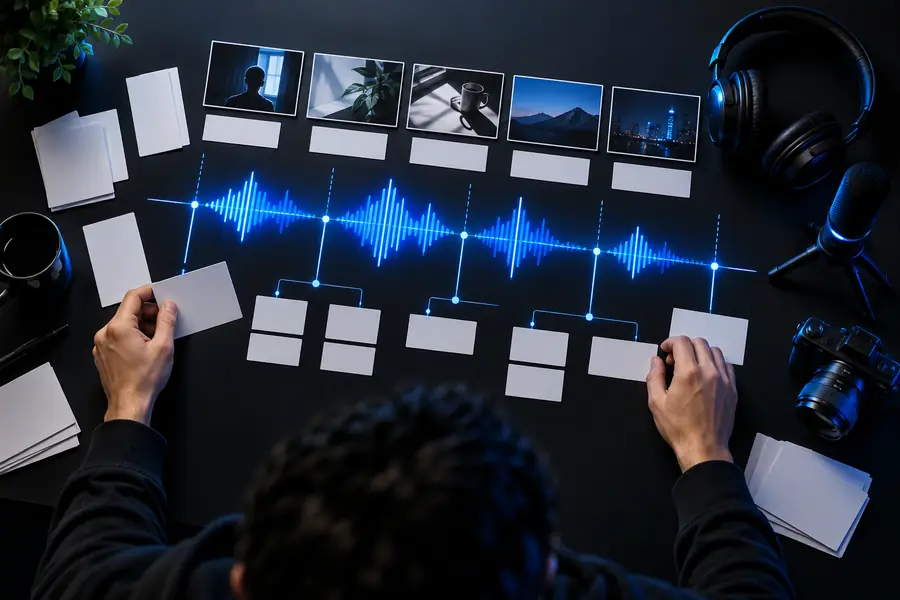
This illustrative before-and-after pair shows the editorial change to make before auditioning a voice, not a claim that either image is generated audio.

Broad opening

Illustration associated with planning narration for a YouTube video
Illustration associated with fitting narration to video
Scene-led opening

Broad draft: “Today we're going to discuss several different ways to make your kitchen setup more practical, so stay tuned for a range of ideas.” Revised script: “No counter space? Start with the tools you use every day. Move the rest off the worktop.” The revised version gives a YouTube editor two clear visual beats: show the crowded counter, then show what moves. It is sample copy for planning, not an audio file or a promise of a particular voice maker output.

Compliance notes before publishing

Review the voice and the finished video together

Before posting to YouTube, confirm that your script, music, footage, and chosen voice can be used in the way you intend. Check the voice provider's current terms rather than assuming every voice has the same permissions. Listen to the final export for clipped words, awkward pauses, and lines that conflict with captions. Where realistic synthetic content could mislead viewers, review YouTube's current disclosure requirements for your specific video. Voice Maker helps you plan the narration; publishing decisions remain yours.

  • Check voice permissions before publishing.
  • Review claims and captions against the final edit.
  • Consult current YouTube disclosure guidance.

YouTube narration FAQ

Write a short script around the footage, then audition a small section before preparing the whole video. Compare the spoken result with your timeline and revise lines that rush or repeat what viewers can already see. Check usage rights before publishing.

Use short sentences, familiar wording, and breaks where the visuals change. Spell out unusual names or terms as you want them spoken, then listen for pronunciations that need revision. A tutorial may need more pauses than a fast-paced short.

Whether you can use a particular voice depends on its provider's terms and any rights held by a person whose voice it resembles. You are also responsible for the video's other material and for following YouTube's current policies, including applicable synthetic-content disclosure rules.

Test the opening against the actual footage instead of judging audio alone. Place pauses at visual changes, remove words that compete with on-screen text, and listen to the final video from start to finish. Small script edits often help more than choosing a more dramatic delivery.

Start creating
Start creating