Prepare the script
Write or paste the words you want spoken. Clear punctuation, short paragraphs, and deliberate spelling can make the result easier to follow.
Plain-language guide
What is voice maker app? It is a digital tool that turns written words into spoken audio using synthetic or AI-assisted voices. A voice maker can help you draft narration, character dialogue, announcements, and other listening content without recording every line yourself.
Keep exploring
These related topics explain common voice maker goals, from turning text into narration to shaping a more distinctive character sound.
See how AI-assisted voice generation can support narration, dialogue, and short spoken content.
Explore what to consider when using a voice maker through a browser-based workflow.
Learn how written scripts become spoken audio and where text preparation matters most.
Compare the creative considerations behind voices intended for fictional characters.
The basic workflow
Most voice maker workflows follow the same simple pattern: prepare words, shape the delivery, then review the resulting audio.
Write or paste the words you want spoken. Clear punctuation, short paragraphs, and deliberate spelling can make the result easier to follow.
Select an available voice or style, then adjust the controls the tool actually provides, such as pace, tone, or emphasis.
Listen for pronunciation, pauses, emphasis, and consistency. Revise the script or settings before using the audio in a project.
From words to audio
The difference is not only the sound of the voice. Better input and a careful review can make the spoken result clearer and more useful.
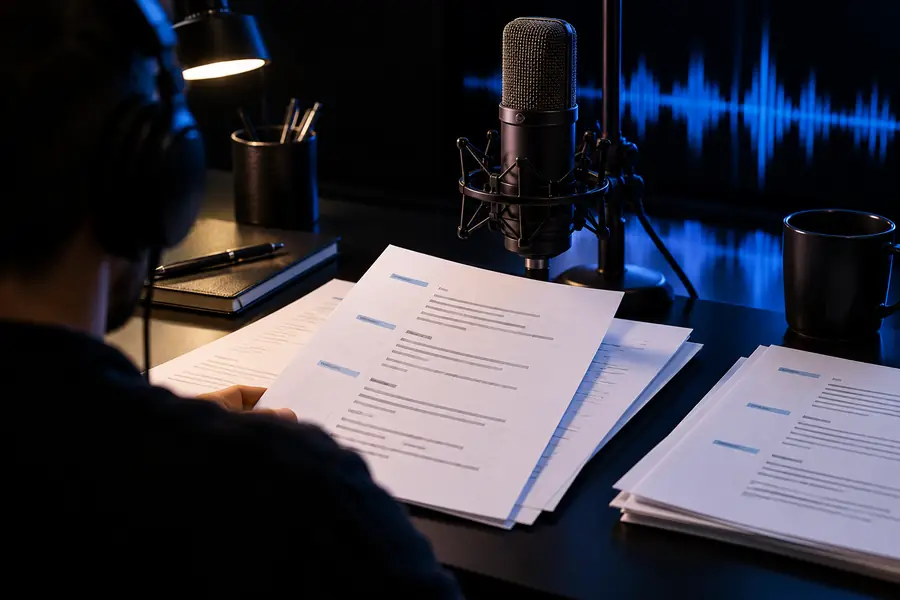
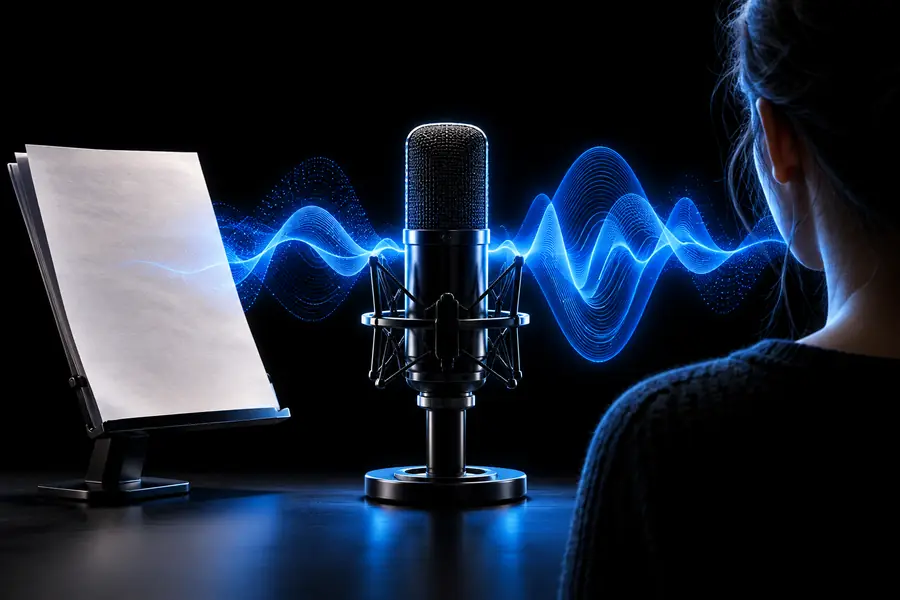
The output still needs a human review for pronunciation and fit.
Set realistic expectations
A voice maker is useful, but it is not a substitute for judgment, rights clearance, or a full production process.
A generated reading may still sound confusing when the wording, punctuation, or structure is unclear.
WorkaroundEdit for spoken rhythm, then test a short passage before producing the full script.
Names, acronyms, uncommon words, and mixed-language phrases may be read incorrectly.
WorkaroundUse phonetic spelling or alternate wording where the tool allows it, and listen closely to key terms.
A voice that resembles a real person can raise consent, impersonation, or publicity concerns.
WorkaroundUse an authorized voice and avoid presenting synthetic speech as a real person’s recording.
Timing, volume, pacing, and emotional fit may need work after the first generation.
WorkaroundReview the complete audio in its intended context before publishing or sharing it.
Choose the right method
Both approaches can be useful. The better choice depends on the speaker, the project, and how much control or human performance the result requires.
Voice maker app
Written script or prepared text
Traditional recording
A person performs the script aloud
Voice maker app
Change words and regenerate a passage
Traditional recording
Schedule another take or edit the recording
Voice maker app
Uses the selected synthetic voice and available controls
Traditional recording
Relies on a human performer’s interpretation
Voice maker app
May require script adjustments and careful checking
Traditional recording
Can be directed during the session
Voice maker app
Useful for keeping repeated lines in a similar voice
Traditional recording
Depends on the performer and recording setup
Voice maker app
Draft narration, explainers, prototypes, and creative experiments
Traditional recording
Personal performances, interviews, and projects needing a specific human presence
Start with one script
A short, well-prepared passage is the clearest way to judge whether a voice maker fits your needs. Try a paragraph with the tone, pronunciation, and pacing your project requires, then listen for the details that matter before expanding the workflow.
Common questions
A voice maker app is a tool that converts written text into spoken audio through synthetic or AI-assisted voices. It can be used for narration, dialogue, announcements, drafts, and other projects that need a voice track.
You provide text, choose from the available voice or style options, and submit the passage for generation. The system analyzes the written input and produces speech, which you should review for pronunciation, timing, and tone.
Creators, educators, video makers, game and character designers, marketers, and people preparing accessibility or instructional content may use one. The right use depends on the project and the permissions attached to the chosen voice.
Not in every situation. It can be practical for drafts, prototypes, repeatable narration, and projects where a synthetic voice is appropriate, while human performers remain valuable when interpretation, identity, or emotional nuance is central.
Not necessarily. Listen for names, abbreviations, pauses, emphasis, and consistency, then check that your use of the voice and script respects applicable permissions and disclosure expectations.